
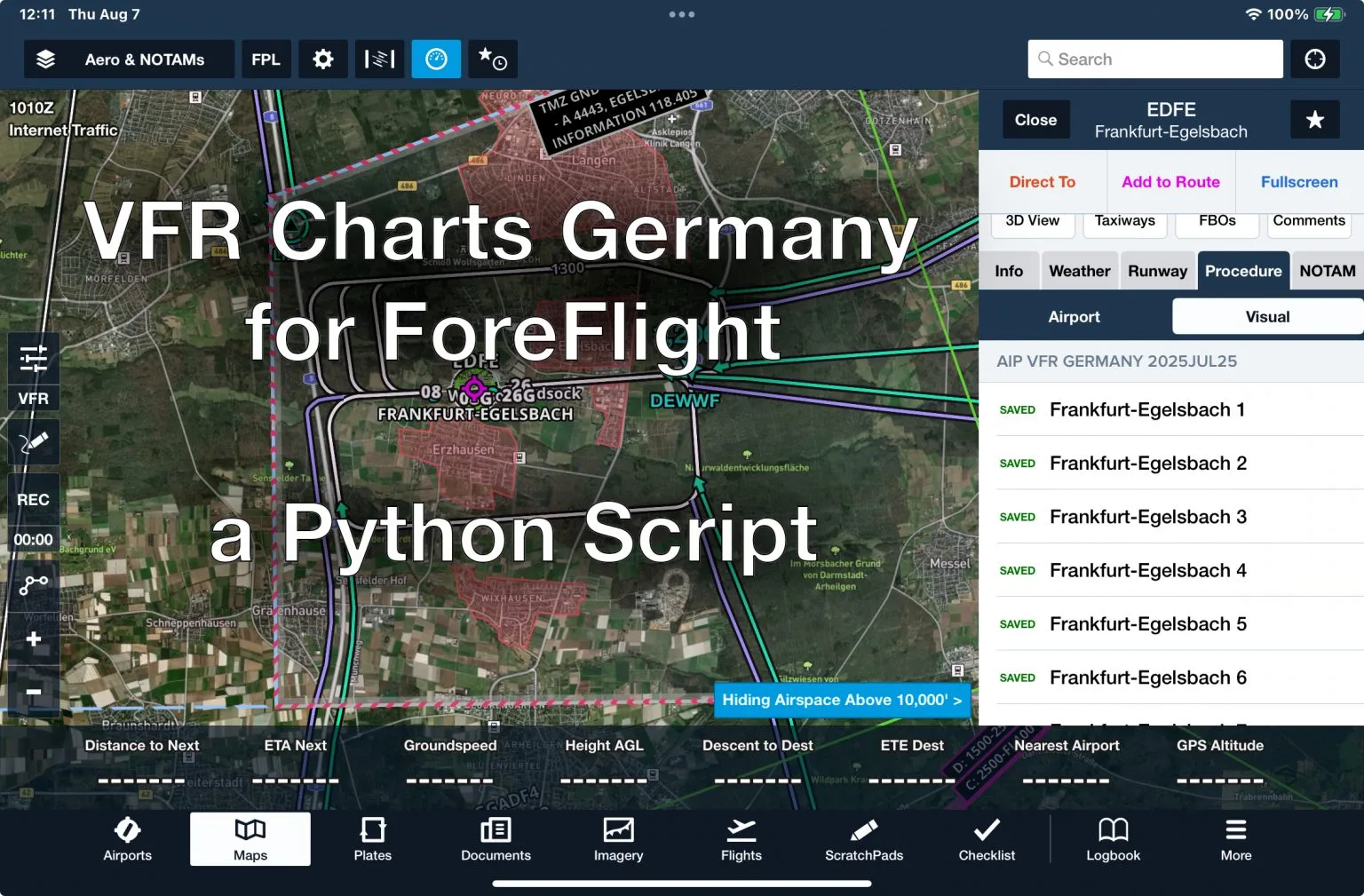
Finally! Import VFR Charts of Germany into ForeFlight
I was pretty disappointed when I got the Europe subscription for ForeFlight. It includes VFR charts for most of Europe — except Germany. Yep, the one country in the heart of the continent is missing.
Apparently, the Deutsche Flugsicherung (DFS) — which is funded by the honest, hardworking taxpayer — thinks it’s more important to squeeze a few extra euros out of VFR pilots than to promote safety and accessibility in the VFR airspace.
Sure, there’s an online portal where you can view the charts or print them out manually. But the usability? Absolutely terrible. I don’t know who built that site — the Bundesdruckerei? DFS themselves? Either way, it feels like a relic the early days of the internet.
Anyway, I believe every pilot should have immediate access to safety-relevant information — especially when offline in the cockpit. So I wrote a Python script that scrapes all the PNG images of charts and documents off the DFS site and bundles them into a Custom Content Pack you can load directly into ForeFlight.
How to Get the Charts into ForeFlight
⚠️ Disclaimer: This tool is for educational purposes only. Make sure it’s legal to use in your jurisdiction.
The script is open-source and lives here:
https://github.com/argiepilot/devfrff
To get started, just clone the repo:
git clone https://github.com/argiepilot/devfrff.git
cd devfrff
What it does
This Python script scrapes the German VFR aerodrome charts from the DFS AIP portal and turns them into a ForeFlight-compatible BYOP (Bring Your Own Plates) Content Pack. That means you can import all the charts directly into ForeFlight — and have them available offline and integrated in the app like official plates.
Quick Start (with Conda)
Make sure you have Anaconda or Miniconda installed.
conda env create -f environment.yml
conda activate devfrff

python run.py
This will create a folder called AIP Germany/ containing:
- A
byop/subfolder with the PDF charts - A
manifest.jsonfor ForeFlight compatibility - Charts named like
EDKA_Visual_Aachen-Merzbrueck 1.PDF,EDKA_Info_AD 2-3.PDF, etc.
Importing to ForeFlight
To use the content pack in ForeFlight:
- Zip the entire
AIP Germany/folder. - Transfer the ZIP file to your iPad using:
- AirDrop
- iTunes
- A direct download link
- Or via ForeFlight’s Cloud Documents feature (Pro plan or higher required)
ForeFlight will recognize it as a content pack and let you view the charts just like official ones.
For more details, check out ForeFlight’s guide: ForeFlight Content Packs Guide
Dear Argiepilot,
the import feature for VFR charts of Germany into ForeFlight is a superb idea!
Unfortunately, I don’t own a Mac and can’t carry out your nice description on an iPad.
Is there any way to compile the script into a Windows or Linux executable?
best, Roland
Hello Roland, Thanks for the kind words.
You don’t need a Mac for this. The script itself is OS-agnostic. I’m using Conda (Anaconda) rather than the system Python with venv, and in principle it should run on Linux and very likely on Windows as well. Essentially, it should run on any platform where Anaconda is available.
The script does not talk to the iPad or ForeFlight directly. All it does is generate the required ZIP archive, which you then import into ForeFlight. Because of that, there’s nothing macOS-specific going on. I haven’t personally tested it on Windows or Linux, but there’s no technical reason it shouldn’t work.
Blue skies – ap
Hi AP,
I managed to install the content – your script works flawless, a true lifesaver! 🙂
The plates won’t go onto the charts as layover though. I assume the georeferencing doesn’t work with the AiP data.. do you have any idea to achieve georeferencing?
ForeFlight help states: Plates & Airport Diagrams (BYOP): The “Bring Your Own Plates” feature allows you to import PDF files that you can access in the Plates view or in the Airports view under the Procedures tab. Files imported this way behave the same as procedure plates and airport diagrams downloaded through ForeFlight, including support for georeferencing if geospatial PDFs are used.
So, theoretically it’s possible 😉
Best, Roland
Hello Roland,
I’m glad the script was helpful! It is alway nice to get feedback!
Regarding georeferencing: in principle it would be possible. However, the script downloads the plates as images from the website that are not georeferenced, and then converts them into PDFs. I’m not aware of any publicly and freely available source for already georeferenced German plates.
That means each plate would have to be georeferenced manually, and this would need to be repeated every time a plate is updated on the website. That would of course be extremely time-consuming, and there’s also the risk of introducing positional errors if a plate is referenced incorrectly (and I wouldn’t want to be responsible for that).
If you know of a source that provides georeferenced PDFs or coordinate reference data that could be used for the plates, I’d be very interested to hear about it.
Blue skies – ap
Outstanding work, sir.
This is exactly what I have been trying to find in my basic ForeFlight subscription, only to realize they want more money for it.
Your script works perfectly.
NOTE to everyone: ForeFlight expects .zip files and not .7z files. I made this mistake since this is the first time importing custom packages for me, and the iOS wouldn’t prompt the “Share with” ForeFlight in .7z, but it works with .zip.
Hello Foggy! Glad the script was useful, and thanks for the kind words.
Also appreciate you pointing out the .zip vs .7z detail. That’s a genuinely useful catch.